Created Ads
6 Nov 2025
What You Can Do on the "Previous Ad Creatives & AI Ad Maker" Page
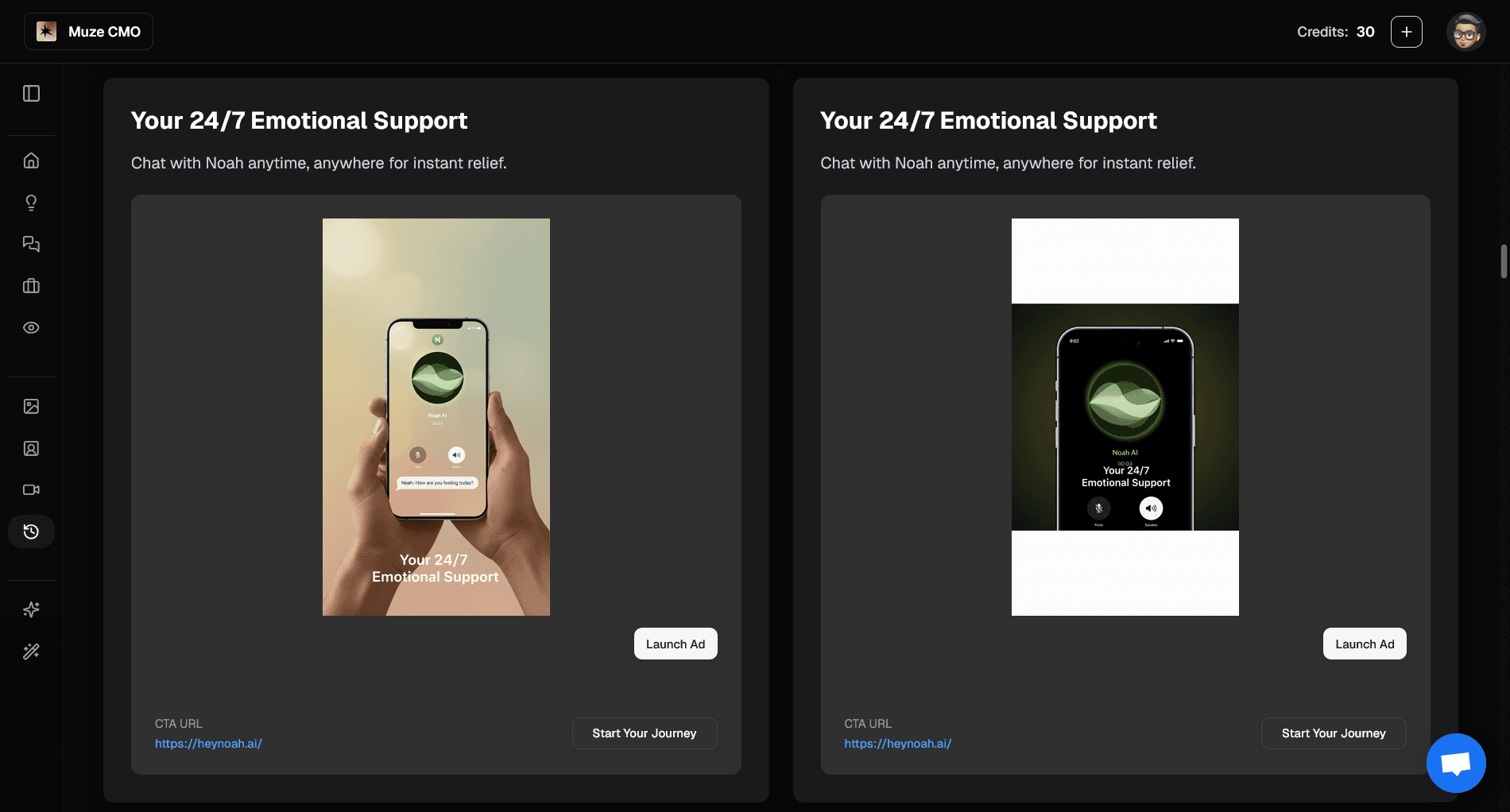
1. Instantly View All Your Previous Ad Creatives
See every ad creative you’ve generated or launched before.
Browse images and videos, with full ad copy and targeting details.
2. Launch Ads in One Click
Instantly launch any previous creative as a new ad campaign.
Customize campaign objective, audience, budget, and location before launching.
3. Get AI-Recommended Ads
Discover a curated list of AI-generated ad concepts tailored for your account.
Each recommended ad includes creative preview, copy, targeting, and strategic rationale.
4. Create New Ads From Your Product
Paste your product URL to automatically extract product images and details.
Select images, add custom instructions, and let AI generate new ad creatives for you.
5. Upload Your Own Images
Upload extra product images to use in your ad creative.
Combine uploaded images with AI-generated visuals for best results.
6. Full Campaign Customization
Choose campaign objectives (Sales, Leads, Engagement, etc.).
Set daily budget, audience age range, and select countries, states, or cities.
Pick broad or retargeting audience types.
7. Advanced Launch Settings
Launch into a new campaign or add to an existing one.
Select ad sets, interests, and platforms for precise targeting.
8. AI-Powered Ad Analysis
See AI analysis and recommendations for each ad concept.
Get insights on funnel stage, hook archetype, and strategic rationale.
Start by browsing your previous creatives, generating new ads with AI, or launching campaigns in one click—unlock creative inspiration and fast ad deployment!