
Image Ads
12 Jun 2024
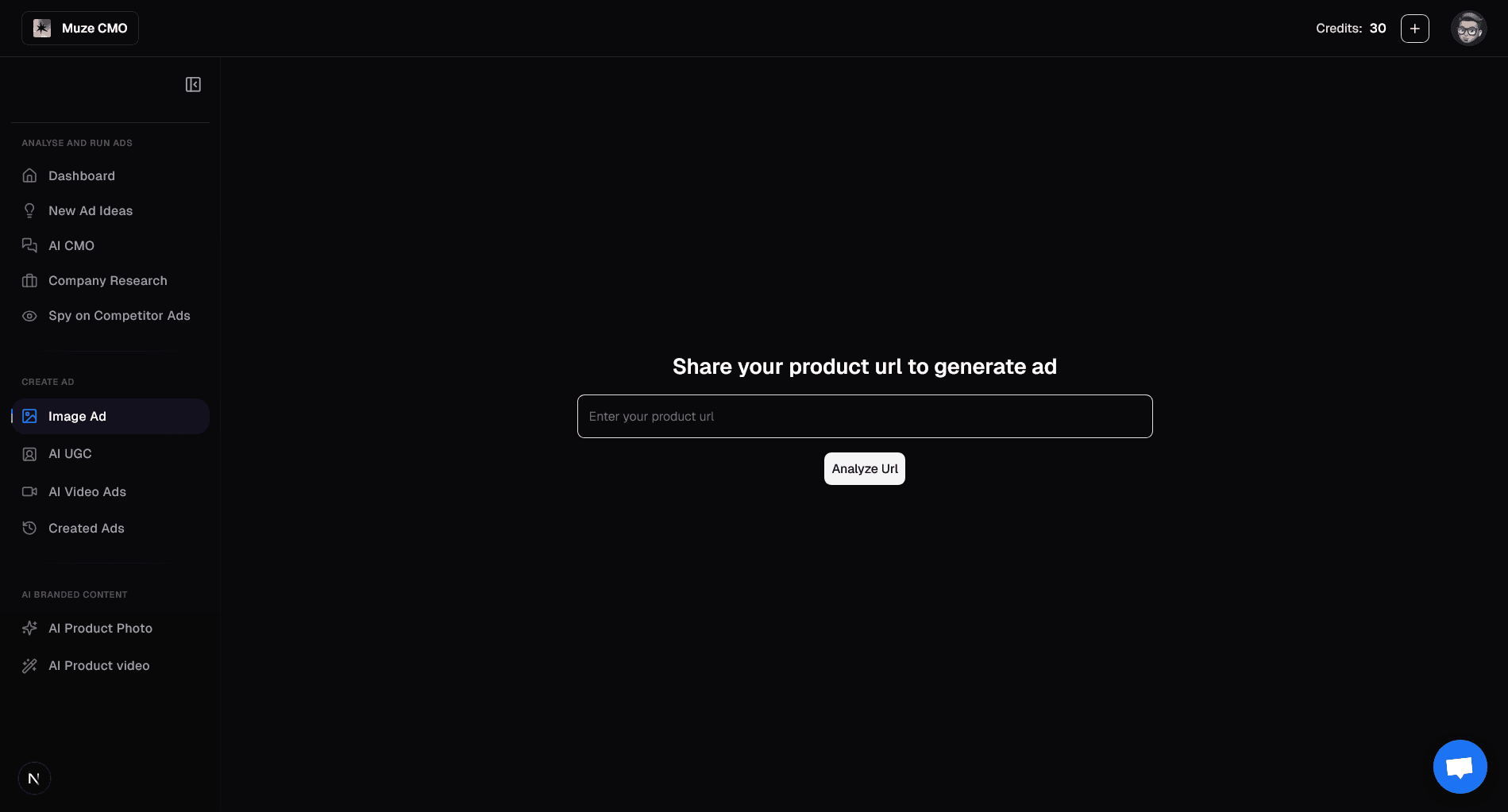
What You Can Do on the "Create Ad" Page
1. Start with Your Product
Enter Product URL: Provide your product's URL to automatically scrape details and images.
Review & Edit Product Info: Adjust product name, description, features, and specifications.
2. Define Your Ad's Basic Settings
Choose Ad Type: Decide between an Image or Video ad.
Select Platform & Aspect Ratio: Pick your target platform (e.g., Facebook, Instagram) and ad format (e.g., 1:1, 9:16).
Set Category & Language: Categorize your product and select the ad language.
Define Audience: Set age range, gender, and specific geographic locations (country, state, city).
Choose Objective: Select your campaign goal (e.g., Sales, Leads, Traffic).
Add Custom Instructions: Provide specific guidance for AI creative generation.
3. Select Your Creative Path
Get Muze Recommendations: Let AI suggest ad concepts tailored to your product and audience.
Create Custom Concept: Build your ad from scratch with full control over the creative direction.
4. Generate Ad Concepts (for Custom Image Ads)
Choose Image Ad Type: Select a specific style like "Feature Showcase," "Offer Ad," or "Testimonial."
Review & Edit Concepts: See AI-generated ad copy (text on image, headline, subheadline, CTA) and image descriptions. Edit them as needed.
5. Select Your Media
Use Product Images: Choose high-quality images scraped directly from your product URL.
Access Asset Library: Select media from your existing asset library.
Get Inspiration from Your Ads: Browse your past successful ads for creative ideas.
Clone Competitor Ads: Find and select media from your competitors' ads.
Upload Custom Media: Upload your own images or videos.
Add New Competitors: Easily add new competitors to track their ads.
6. Finalize Your Ad Creative
View Generated Creative: See your complete ad creative with selected media and copy.
AI-Powered Editing: Chat with an AI assistant to make real-time modifications to your ad creative.
Download Creative: Save your generated ad image for external use.
7. Set Budget & Launch Your Campaign
Review AI Ad Analysis: Get detailed recommendations for campaign settings, targeting, and creative fit.
Set Daily Budget: Adjust your daily ad spend with an interactive slider.
Select Targeting Interests: Choose from AI-recommended interests or existing Facebook API suggestions (for standard audiences).
Select Custom Audiences: Choose from your existing custom audiences or create a Muze-recommended intelligent audience (for custom audiences).
Launch Ad: Deploy your optimized ad campaign directly to Meta with one click.
Confetti Celebration: Enjoy a celebratory animation upon successful ad launch!